
Rybbit Analytics: A Simple Way to Analyze Website Traffic
If you run a website, you need more than raw visitor numbers. You need to see which pages attract attention, where people leave, which campaigns bring qualified traffic, and which steps actually lead to conversions. Without that view, content, SEO, and product decisions quickly become guesswork.
That is why analyzing website traffic matters even for smaller projects. A lightweight analytics setup can help you understand what is working before you spend more money on ads, content, or development time. For many teams, the hard part is not deciding to track traffic. It is finding a tool that stays useful without becoming a full-time job.
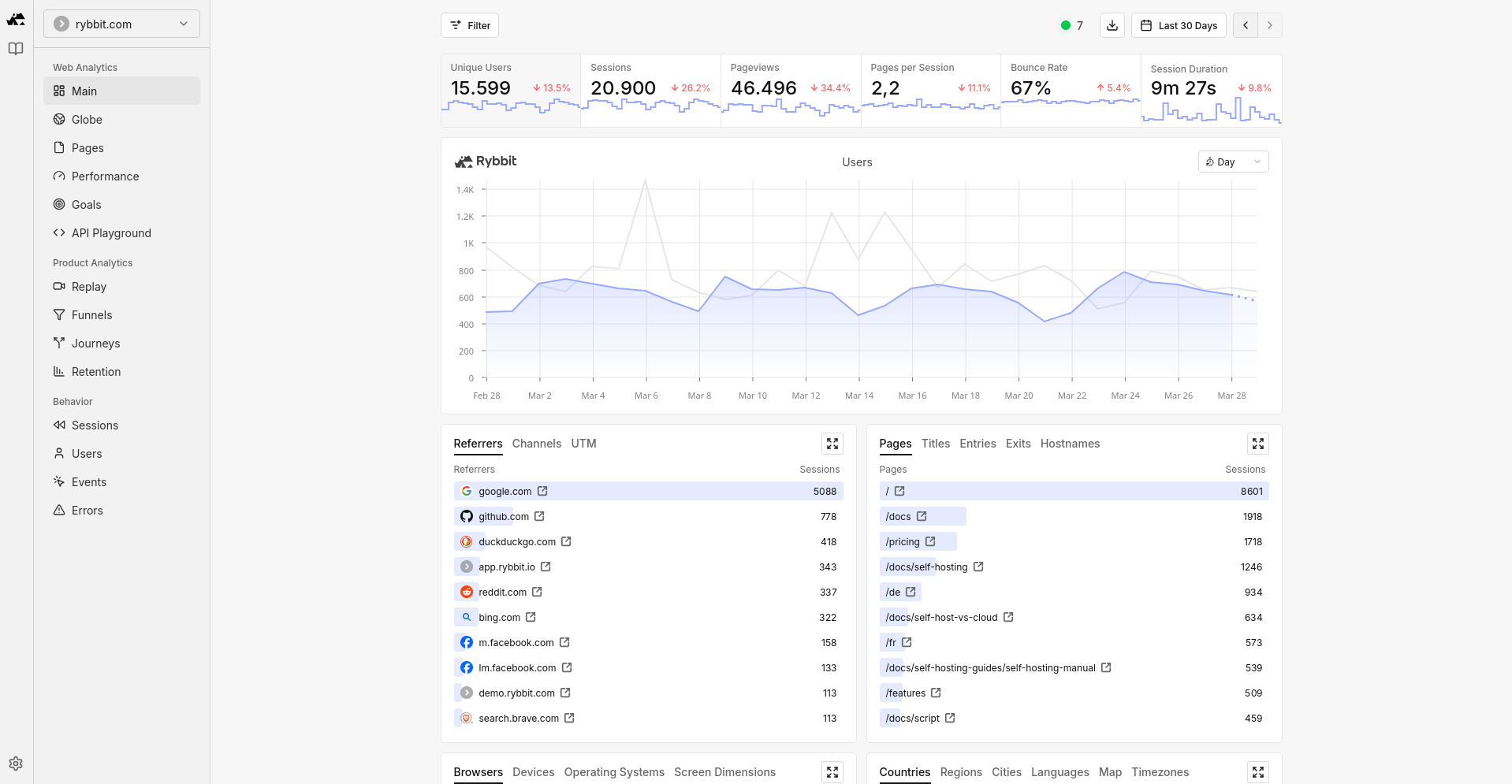
Rybbit positions itself as a modern Google Analytics replacement with cookieless tracking, realtime reporting, session replay, funnels, journeys, and web vitals. If you want something more visual and easier to read than older analytics tools, it is worth a serious look.

Why website traffic analysis still matters
Analytics should support decisions, not create more noise. The most useful traffic reports help you answer a few practical questions quickly.
Find the pages that actually pull people in
Traffic analysis shows which landing pages, blog posts, and product pages bring visitors from search, social media, or referrals.
See where users drop out
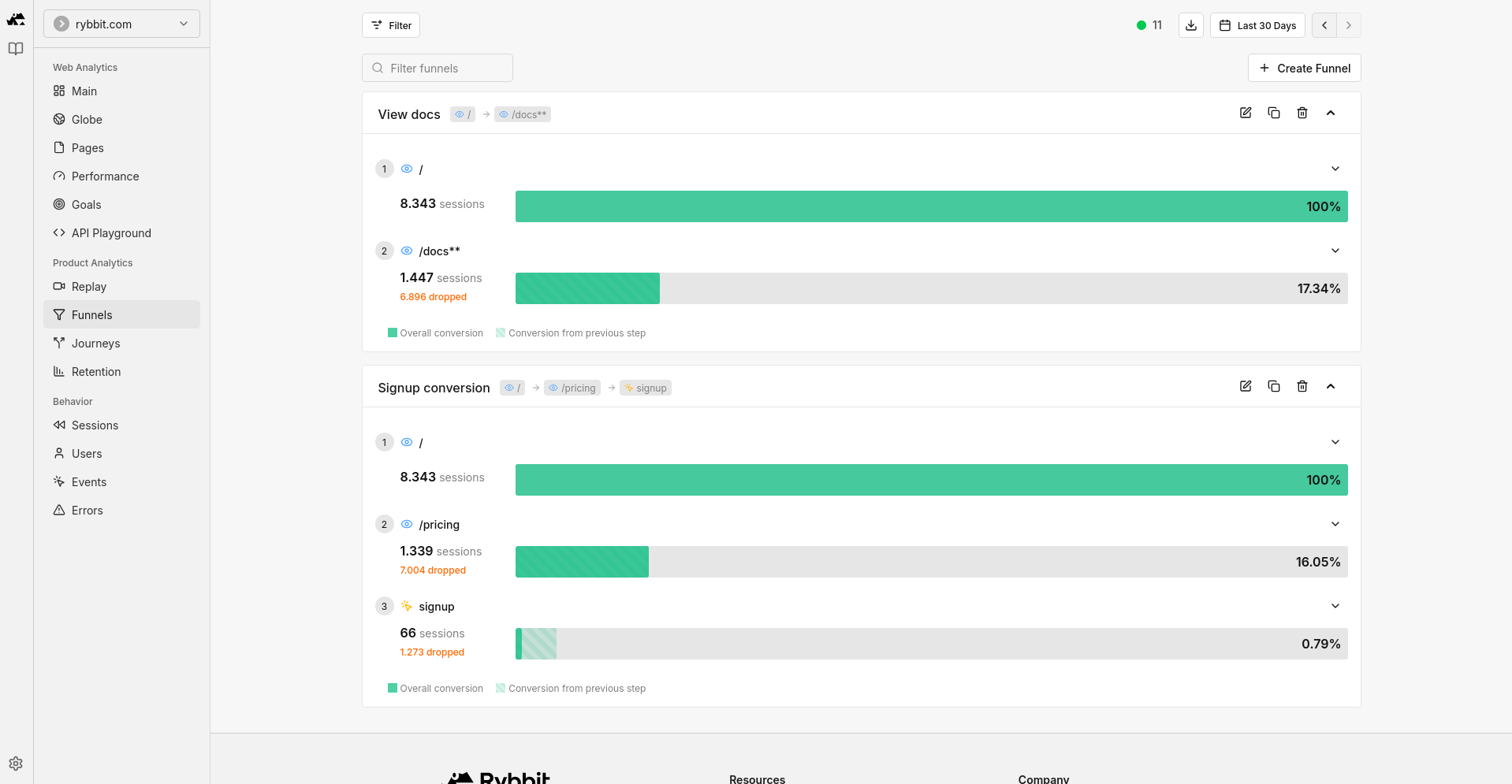
If people leave before signing up, buying, or contacting you, that is usually a funnel problem, a message problem, or a UX problem.
Judge campaigns with more context
Clicks alone are weak. You want to know whether paid or organic traffic stays on the site, visits multiple pages, and reaches your goals.
Catch technical and UX issues faster
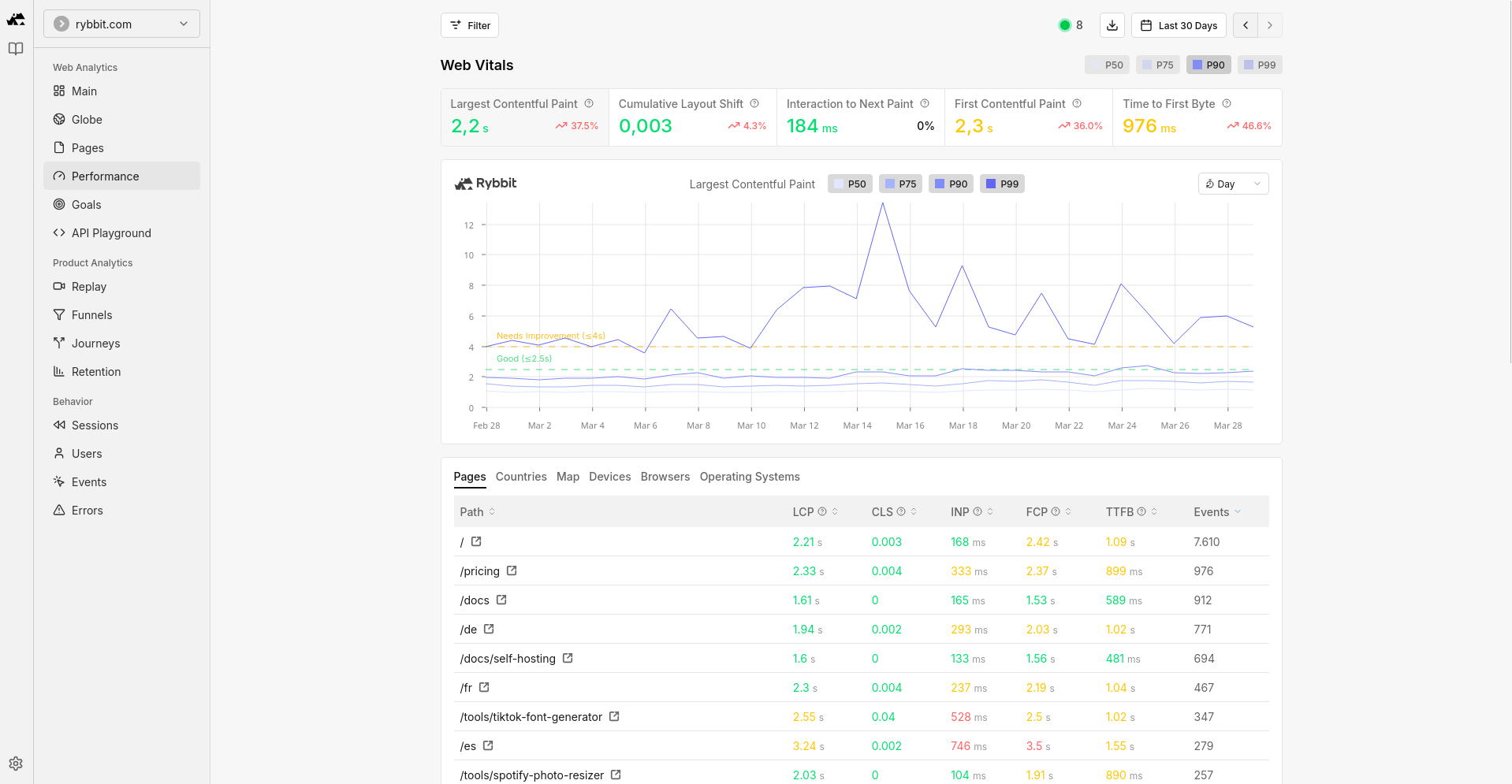
Traffic data, session-level views, and web vitals together can reveal broken pages, confusing flows, and performance problems before they become expensive.
What makes Rybbit interesting
Rybbit is aimed at teams that want clearer web analytics without the usual complexity penalty. Based on its public product page, the tool combines privacy-friendly positioning with features that are normally spread across multiple products.
Cookieless and privacy-focused
Rybbit presents itself as cookieless and GDPR compliant, with EU infrastructure in Germany. That makes it interesting for teams that want simpler privacy discussions around analytics.
Readable realtime reporting
The product focuses heavily on live activity, top pages, sessions, countries, devices, and traffic flow, which is often enough for day-to-day website analysis.
More than pageview analytics
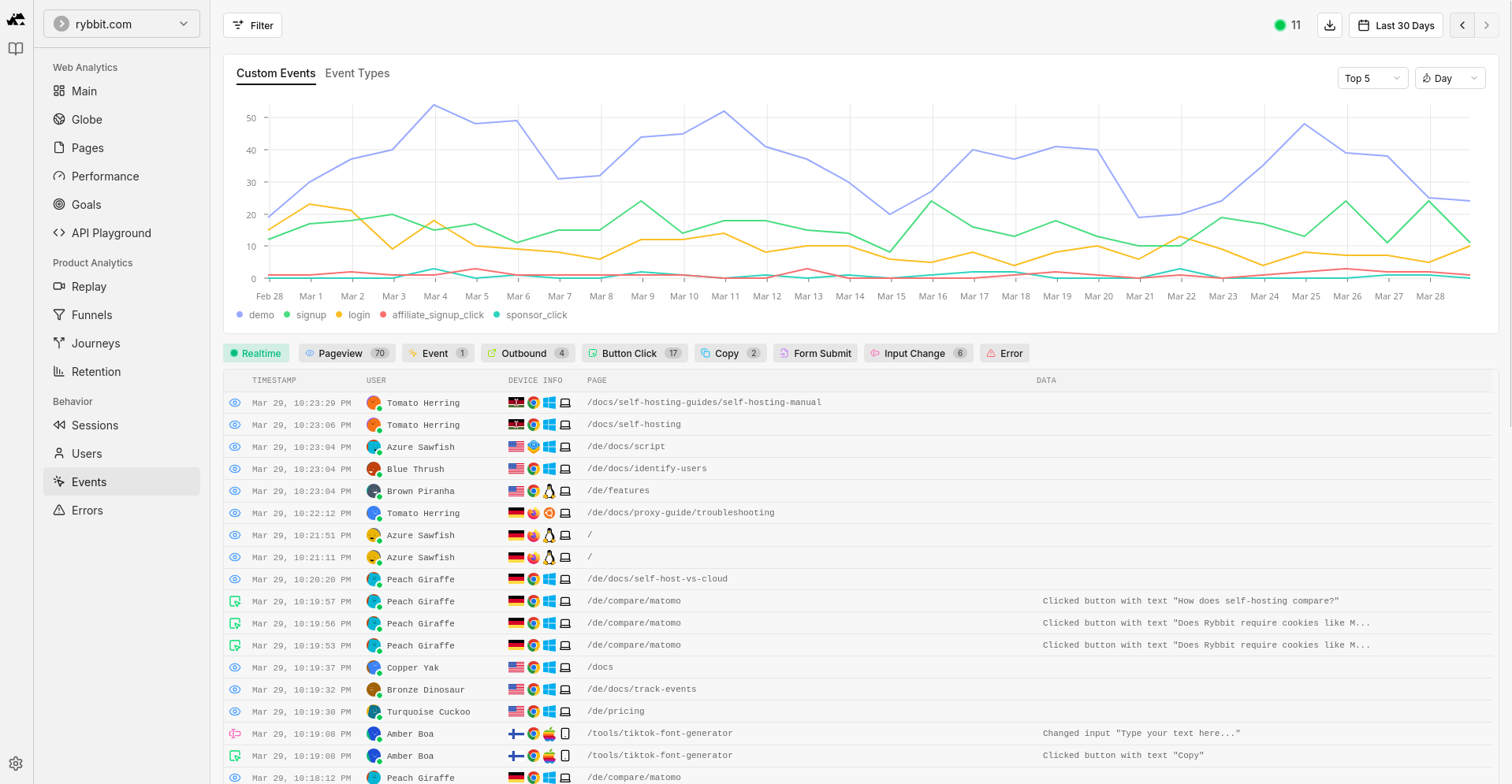
Session replay, funnels, user journeys, custom events, and web vitals push it beyond a minimal dashboard. That can be useful when you want to connect traffic sources with real on-site behavior.
Open source and self-hostable
Rybbit also promotes its open source model and self-hosting option. If control and portability matter, that is a meaningful point in its favor.
Who Rybbit is a good fit for
Not every site needs the same analytics depth. Rybbit looks strongest for projects that want a better view of traffic and conversions without adopting a heavy enterprise analytics workflow.
Content sites and blogs
If you publish regularly, traffic analysis helps you see which topics rank, which referrers matter, and which articles actually move readers deeper into the site.
Startups and SaaS landing pages
Realtime analytics, goals, funnels, and session replay are useful when you are testing pricing, onboarding, or signup flow changes.
Agencies and client projects
Teams that manage multiple sites often want a dashboard that clients can understand quickly without a long explanation phase.
Privacy-conscious operators
If you want fewer cookies, lighter scripts, and a cleaner analytics stack, Rybbit is easier to justify than many older analytics setups.
What to check before switching
Even a simple analytics migration benefits from a short checklist. The goal is to keep your traffic analysis consistent while avoiding surprises after the switch.
- Define the events and goals you actually care about before installing anything.
- Review how session replay fits your privacy expectations and disclose it properly if you use it.
- Run your old and new analytics in parallel for a short period if exact continuity matters.
- Decide early whether you want the hosted version or the self-hosted open source route.
A practical way to evaluate Rybbit
If you are considering it, do not overthink the trial. A short hands-on test usually tells you faster than a feature checklist.
- Install it on one project with meaningful daily traffic.
- Check whether the main dashboard answers your traffic questions in under a minute.
- Create one or two custom events and at least one goal or funnel.
- Compare the reporting experience with your current analytics tool after a few days.
- Decide whether the lighter workflow makes you more likely to look at analytics regularly.
Final thought
If your current analytics setup feels heavier than the decisions it supports, Rybbit is worth testing. The core appeal is straightforward: analyze website traffic, understand behavior, and spot conversion issues without living inside a complicated analytics product.
That does not mean it is automatically the right tool for every stack. But for many independent sites, SaaS projects, and agencies, it looks like a strong balance between clarity, privacy, and useful depth.
Affiliate note: if you use an affiliate link from this page to sign up, we may receive a commission.